Do I Need a CRM? An Honest Guide for UK Small Businesses
You need a CRM if leads, follow-ups or customer details are slipping through the cracks, or if more than one person deals with your customers. If you have a few repeat clients and can remember ever…
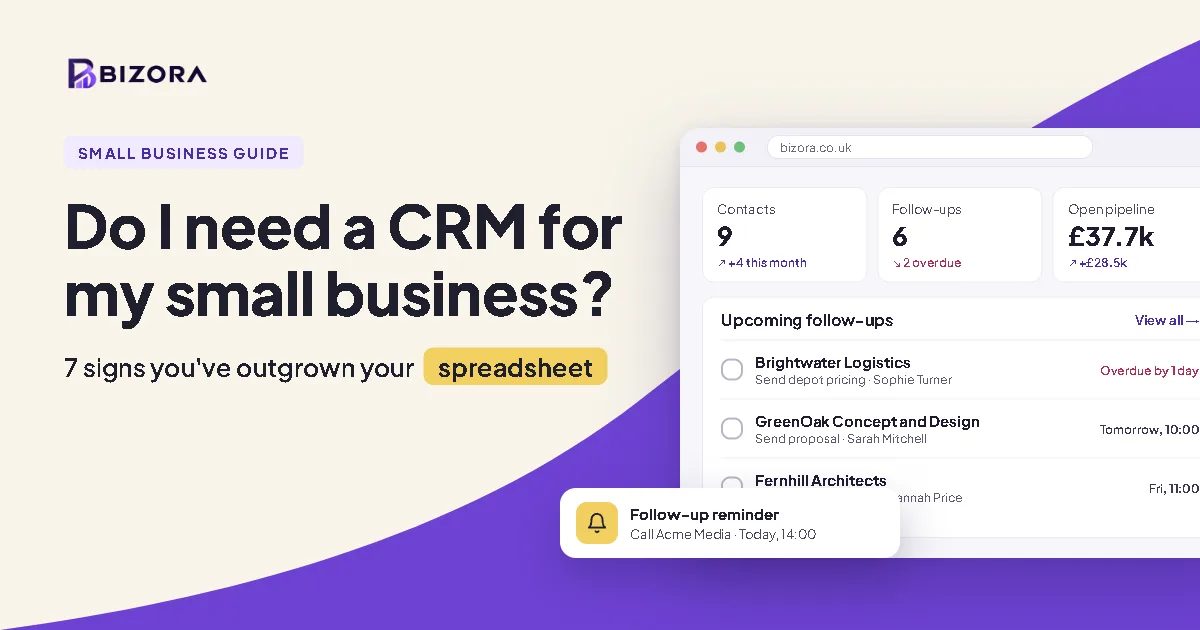
You need a CRM if leads, follow-ups or customer details are slipping through the cracks, or if more than one person deals with your customers. If you have a few repeat clients and can remember every conversation, a spreadsheet is fine for now. Most growing UK small businesses reach the point where a CRM saves more time than it costs.
Most small businesses start with a spreadsheet, a notebook and an overflowing inbox. It works until it suddenly doesn't. A missed callback, a quote nobody chased, or a new starter who can't find a client's history is usually when people start asking "do I need a CRM?"
This guide gives you an honest answer, not a sales pitch. You'll learn what a CRM actually does, the signs you've outgrown your spreadsheet, when you don't need one, and what a CRM for a small business should cost in the UK.
What is a CRM?
A CRM (customer relationship management system) is one place to keep everything you know about your customers and the people you're trying to win.
Instead of details scattered across your phone, email, a spreadsheet and sticky notes, a CRM holds:
• Companies and contacts – who they are, how to reach them, who works where
• Conversations – calls, emails and notes, so you know what was said last time
• Follow-ups – reminders of who to chase and when
• Deals – what you're quoting for, what it's worth, and how close it is to closing
• Documents – contracts, proposals and quotes attached to the right customer
That's it. Big enterprise systems add hundreds of extra features, but for a small business the value comes from those basics done well.
CRM vs spreadsheet: what's the difference?
A spreadsheet stores information. A CRM helps you act on it. Both can hold contact details, and both can be free. The difference is everything else a CRM does:
• History: every call and note saved against the customer, not squeezed into a cell
• Follow-ups: reminders of who to chase and when, which a spreadsheet can't do
• Pipeline: deal values and stages at a glance, instead of manual totals that break
• Teamwork: several people updating at once, without version clashes or overwrites
• Documents: contracts and quotes attached to the right customer
If you only need somewhere to keep contact details, stick with your spreadsheet. If you need any of the rest, that's a sign you need a CRM.
7 signs you need a CRM for your small business
If two or more of these sound familiar, a CRM will likely pay for itself in time saved and work won.
1. You've forgotten to follow up with someone who was ready to buy. Even one lost job a month can cost more than a year of CRM fees.
2. Customer info lives in several places. Some in your inbox, some on your phone, some in a spreadsheet only you understand.
3. You can't answer "what did we last say to them?" in under a minute. Digging through emails before every call is time you don't get back.
4. More than one person deals with customers. The moment a partner, employee or freelancer gets involved, a shared record stops people stepping on each other's toes.
5. You don't know what's in your pipeline. If someone asked how much work you're quoting for right now, you'd have to guess.
6. Your spreadsheet has become fragile. Duplicate rows, broken formulas, versions emailed back and forth, and a fear of sorting the wrong column.
7. You want to grow but feel stretched already. A CRM won't create more hours, but it stops you wasting the ones you have.
When don't you need a CRM?
A CRM isn't compulsory, and we'd rather you didn't buy software you won't use. You can probably hold off if:
• You have a small, steady set of repeat clients and no new sales to chase
• You work alone and every customer conversation is easy to remember
• Your sales happen instantly (a shop till or online checkout) with no follow-up or relationship to manage
Even then, it's worth knowing a free CRM costs nothing to try. Setting one up early means your history is in place before things get busy, rather than trying to rebuild it from old emails later.
What should a small business look for in a CRM?
Many CRMs are built for sales teams of fifty. For a small business, the questions that matter are simpler.
• Can you be up and running in an afternoon? If it needs a consultant or a week of training, it's too much.
• Does it do the basics really well? Contacts, companies, notes, follow-ups and deals should feel effortless. Lots of half-finished features just get in the way.
• Is the pricing honest? Watch for low headline prices that jump once you add a second user or need a "core" feature.
• Can your team share it safely? Look for simple roles, such as an owner and team members, so the right people see the right things.
• Is it built with UK businesses in mind? Pounds not dollars, UK support hours, and a provider that takes data protection (UK GDPR) seriously.
• Can you leave easily? You should be able to export your data. Your customer list is yours, not the software company's.
How much does a CRM cost in the UK?
You don't need to spend much. Plenty of small businesses can start on a free plan and only pay once the CRM is clearly earning its keep.
The real cost to watch is per-user pricing. A tool that looks cheap for one person can become expensive once three or four people need access, so check the price for your whole team, not just yourself.
As a rough guide, here's how Bizora is priced:
• Free (£0): for trying a CRM, or sole traders getting organised
• Business (£19.99/month): for growing businesses managing a steady pipeline
• Premium (£34.99/month): for busier teams that need more from their CRM
• Extra seats (£1.00 per seat/month): for adding team members as you grow
Every Bizora workspace starts on the Free plan, with no card needed, so you can see whether it fits before paying anything.
How do I start using a CRM?
The biggest reason CRMs fail in small businesses isn't the software. It's trying to do everything on day one. Start small instead:
1. Add your active customers and hottest leads first. Not your entire contact history, just the people you're working with now.
2. Log every call and conversation for two weeks. This is where the habit forms.
3. Set a follow-up every time you finish a call. Even "check in next month" counts.
4. Add your open quotes as deals. You'll see your pipeline at a glance for the first time.
5. Bring the team in once it's working for you. It's easier to show people a system that's already useful.
Frequently asked questions
Is a CRM worth it for a sole trader?
Often, yes. Sole traders have the least spare time, so a missed follow-up hurts more. A free CRM gives you the benefit without the cost.
Can I just use Excel or Google Sheets as a CRM?
You can for a while. Spreadsheets struggle once you need reminders, conversation history, or more than one person updating them.
How long does it take to set up a CRM?
A simple small business CRM should take an hour or two to get going, not weeks.
Will my data be safe?
Choose a provider that's clear about where data is stored, how it's protected, and how you can export it. UK businesses should check the provider follows UK GDPR.
What's the best free CRM for a small business in the UK?
The best one is the one you'll actually use every day. Look for a free plan with no time limit, pricing in pounds, and contacts, notes and follow-ups included. Bizora, HubSpot and Zoho all offer free plans, so try a couple and keep the simples
At what size does a business need a CRM?
There's no fixed number. The tipping point is usually when you're juggling more conversations than you can remember, or when a second person starts dealing with customers.
Is a CRM the same as email marketing software?
No. Email marketing tools send newsletters to lists. A CRM tracks your relationship with each customer: calls, notes, deals and follow-ups. Many small businesses use both.
Do I need a CRM if I already use Outlook or Gmail?
Your inbox holds emails, but not calls, deals or reminders, and it's hard to share. A CRM sits alongside your email and keeps the full picture of each customer in one place.
Try Bizora free
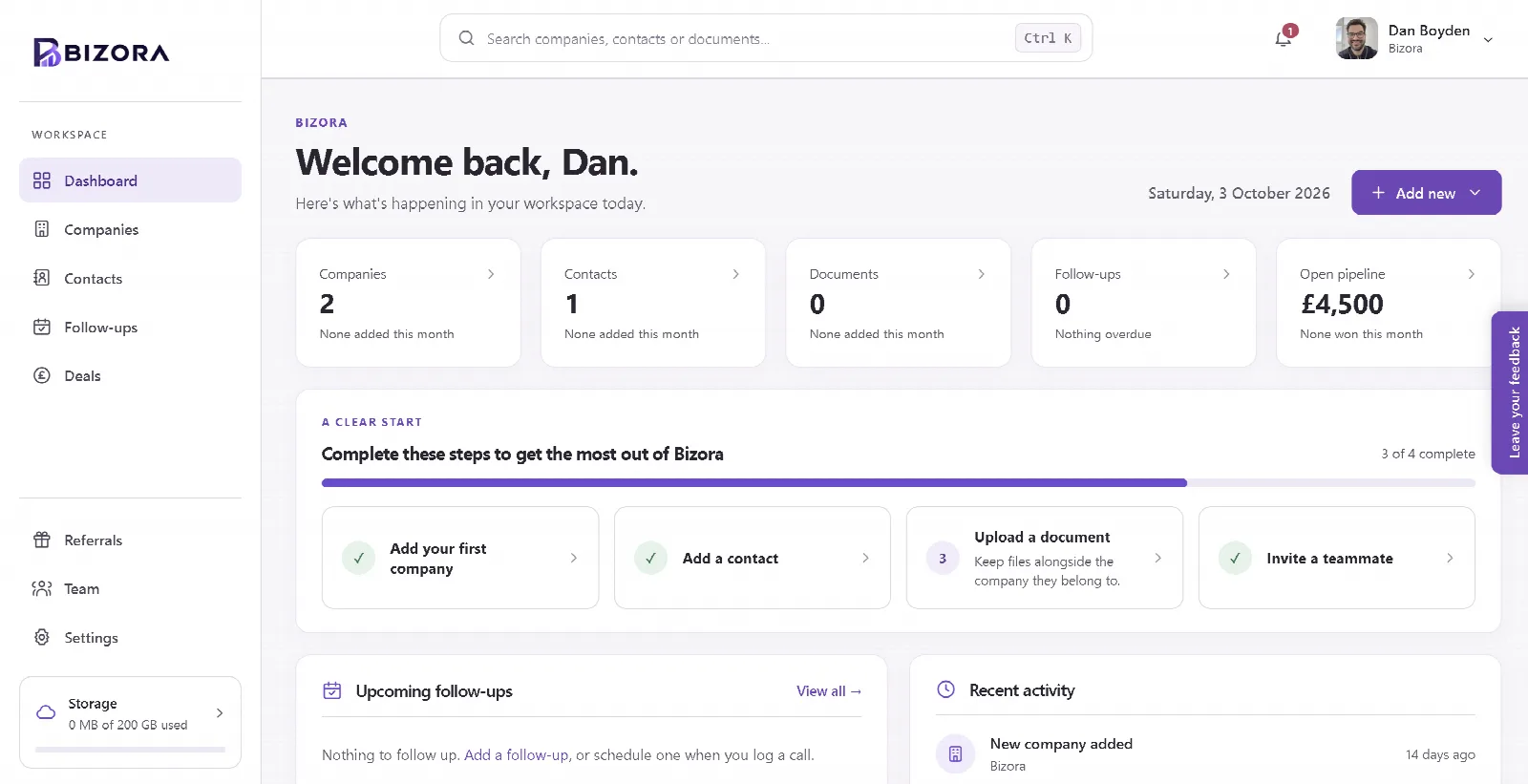
So, do you need a CRM? If any of the signs above sounded familiar, it's worth trying one. Bizora is a simple, free CRM for small businesses and sole traders in the UK. It keeps your companies, contacts, documents, calls, follow-ups and deals in one place, without the clutter of enterprise software.
We'd rather do a few things brilliantly than a hundred things badly, so you won't need a manual to use it.
Create your free workspace at Bizora.co.uk, no card needed.