How to Clean Up Your Customer Data (Duplicates, Gaps and Old Records)
Duplicate contacts, missing numbers and customers who left years ago. Here is a simple, step-by-step way to clean up your customer data and keep it clean.
Customer data gets messy quietly. The same person is entered twice with different spellings. Phone numbers are missing. Half the list is people you have not dealt with in five years. Nobody notices until an email bounces, a call goes to the wrong person or you cannot find a customer’s details when they ring.
Cleaning it up is not glamorous, but it takes less time than you think and pays back quickly. Here is how to do it, whether your customers are in a spreadsheet or a CRM.
Why clean customer data matters
- You find people faster when there is one record per customer.
- Your follow-ups reach the right person at the right number.
- You see real numbers: how many customers you actually have, and who is active.
- It is part of data protection. UK GDPR expects personal data to be accurate and not kept longer than you need it.
Step 1: back up first
Before you change anything, save a copy. In a spreadsheet, save the file under a new name. In a CRM, export to CSV. If something goes wrong, you can always go back.
Step 2: decide what "clean" means
Agree a few simple rules before you start:
- Every person belongs to a company (for sole-trader customers, use their own name or business name)
- Phone numbers in one format, for example 07700 900123
- Postcodes in capitals with a space, for example LS1 4AP
- Names with proper capitals: "Sarah Jones", not "SARAH JONES" or "sarah jones"
- One email address per field, not two squeezed together
Step 3: remove duplicates
Duplicates are the biggest problem in most customer lists. Sort by email address, then by phone number, then by surname, and look for neighbours that are the same person. When you find two records:
- Pick the most complete one to keep
- Copy across anything useful from the other, such as a second phone number or a note
- Delete the extra record
In Excel or Google Sheets, conditional formatting can highlight duplicate values in a column, which speeds this up.
Step 4: fill the important gaps
You do not need every field filled. Focus on what you actually use: usually a name, a phone number or email, and the company. For your best customers, take a few minutes to fill in what is missing. For others, update details the next time you speak to them.
Step 5: archive or delete old records
Decide how long you keep customer details after the last contact, and stick to it. Many businesses keep records for six years for tax and legal reasons, then remove them. People who only enquired and never bought rarely need keeping that long. Whatever you choose, write it down: it is part of having a sensible data retention approach, which UK GDPR expects.
Step 6: keep it clean
A clean list goes messy again within months unless you change how data gets in. A few habits help:
- Search before you add a new customer, every time
- Use one shared list, not a copy per person
- Update details the moment a customer tells you they have changed
- Do a ten-minute tidy once a month
How a CRM helps
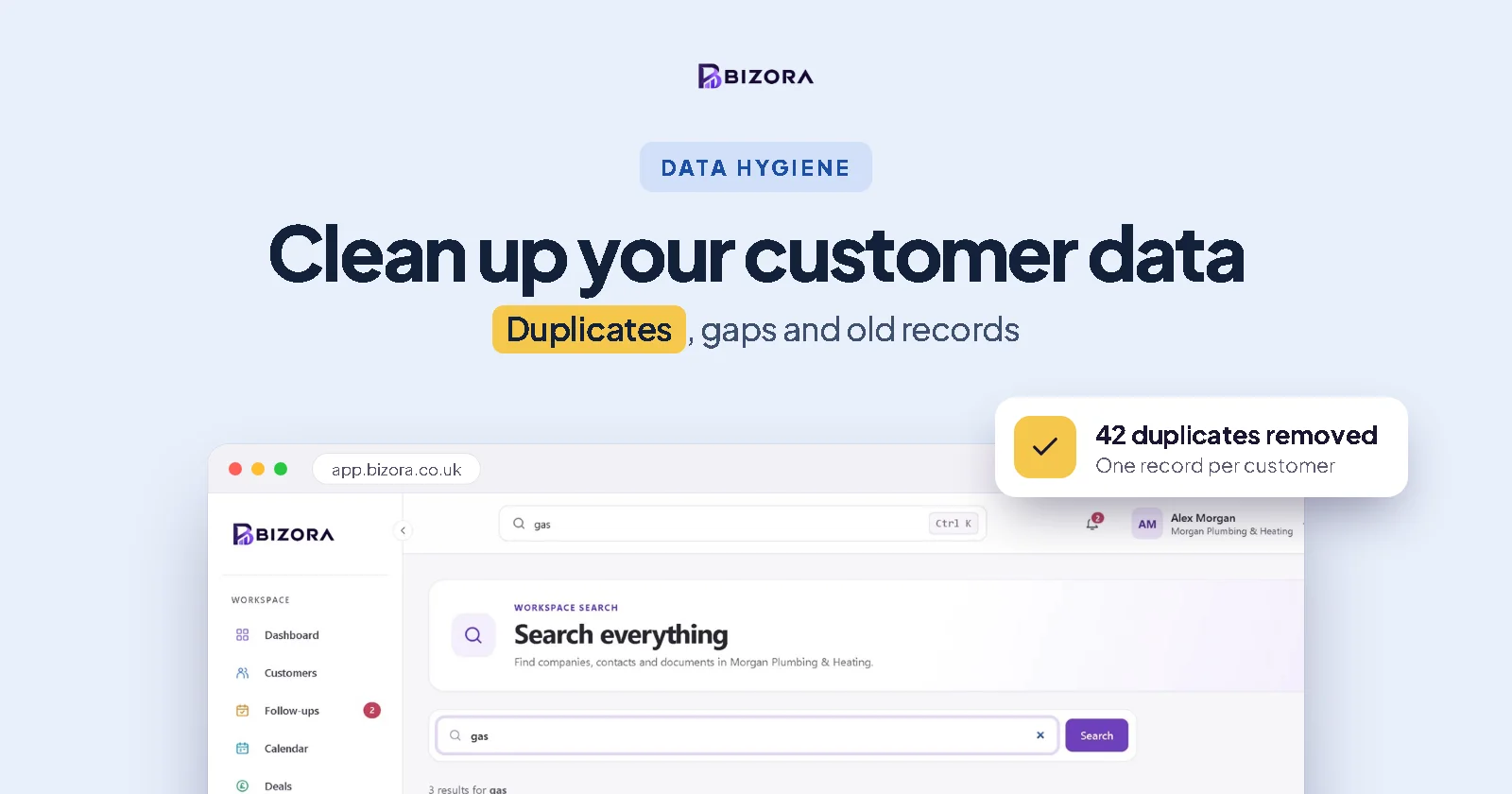
A good CRM prevents much of the mess in the first place. In Bizora, every person is linked to a company, search finds a customer by name, number or postcode in seconds, and when you import a spreadsheet, companies are matched by name and people already in Bizora are skipped, so a re-import does not create duplicates. Invalid emails and websites are left blank, with a note of the row, so you can fix them. You can export everything to CSV whenever you like.
Bizora is a free CRM for sole traders and SMEs. Start free and upgrade when you need more room.
Common questions
How often should I clean my customer data?
Do a thorough clean once, then a quick ten-minute tidy each month and a fuller review once a year.
How do I find duplicate customers in Excel?
Sort by email, phone number and surname in turn and look for matching neighbours. Conditional formatting can highlight duplicate values in a column.
How long should I keep customer records?
Only as long as you need them. Many businesses keep customer records for six years after the last transaction for tax and legal reasons, then delete them. Set a rule and write it down.
Does UK GDPR require clean data?
UK GDPR requires personal data to be accurate, kept up to date where necessary and not kept longer than needed. Regular cleaning helps you meet that.