How to Track Leads Without a Sales Team
Leads arrive by phone, email, website forms and social media. Here is a simple system for tracking every one, following up on time and knowing which sources actually bring work.
A lead is anyone who might become a customer: a missed call, a website enquiry, a Facebook message, a referral from a friend. For a small business, losing even a few leads a month adds up to a lot of lost work. The fix is not more marketing. It is a simple system for tracking the leads you already get.
Where leads come from
Most sole traders and SMEs get leads from a handful of places:
- Phone calls and missed calls
- Website contact forms and emails
- Social media messages
- Referrals and word of mouth
- Trade directories and lead-generation sites
- Repeat customers
The problem is that each one lands somewhere different. The first step is getting them all into one list.
Step 1: record every lead in one place
Whatever tool you use, every lead should go into the same list within minutes of arriving. Record:
- Name and how to contact them
- What they need
- Where the lead came from
- The date it arrived
- The next step and when it is due
Step 2: give every lead a next step
A lead with no next step is a lead that is going cold. "Call back Tuesday", "Send quote Friday" or "Book site visit" turns a name into an action. Speed matters too: the business that replies first often wins.
Step 3: move leads through simple stages
Use a few clear stages, such as New, Contacted, Quoted, Won and Lost. You can see at a glance which leads need attention. Our guide to sales pipeline stages explains how to set these up.
Step 4: follow up, then follow up again
Many leads do not reply first time. A second or third friendly message, spaced a few days apart, wins a surprising amount of work. Our quote follow-up templates show exactly what to say.
Step 5: close the loop
Mark every lead won or lost. If you lost it, note why: price, timing, chose someone else, or never replied. Over a few months, patterns appear that help you price and sell better.
Which numbers to watch
- Leads per month: is enough work coming in?
- Leads by source: which channels actually bring enquiries?
- Conversion rate by source: which channels bring work you win? A source with fewer leads that convert well can be worth more than one with lots of poor leads.
- Response time: how quickly you reply to new leads.
Spreadsheet or CRM?
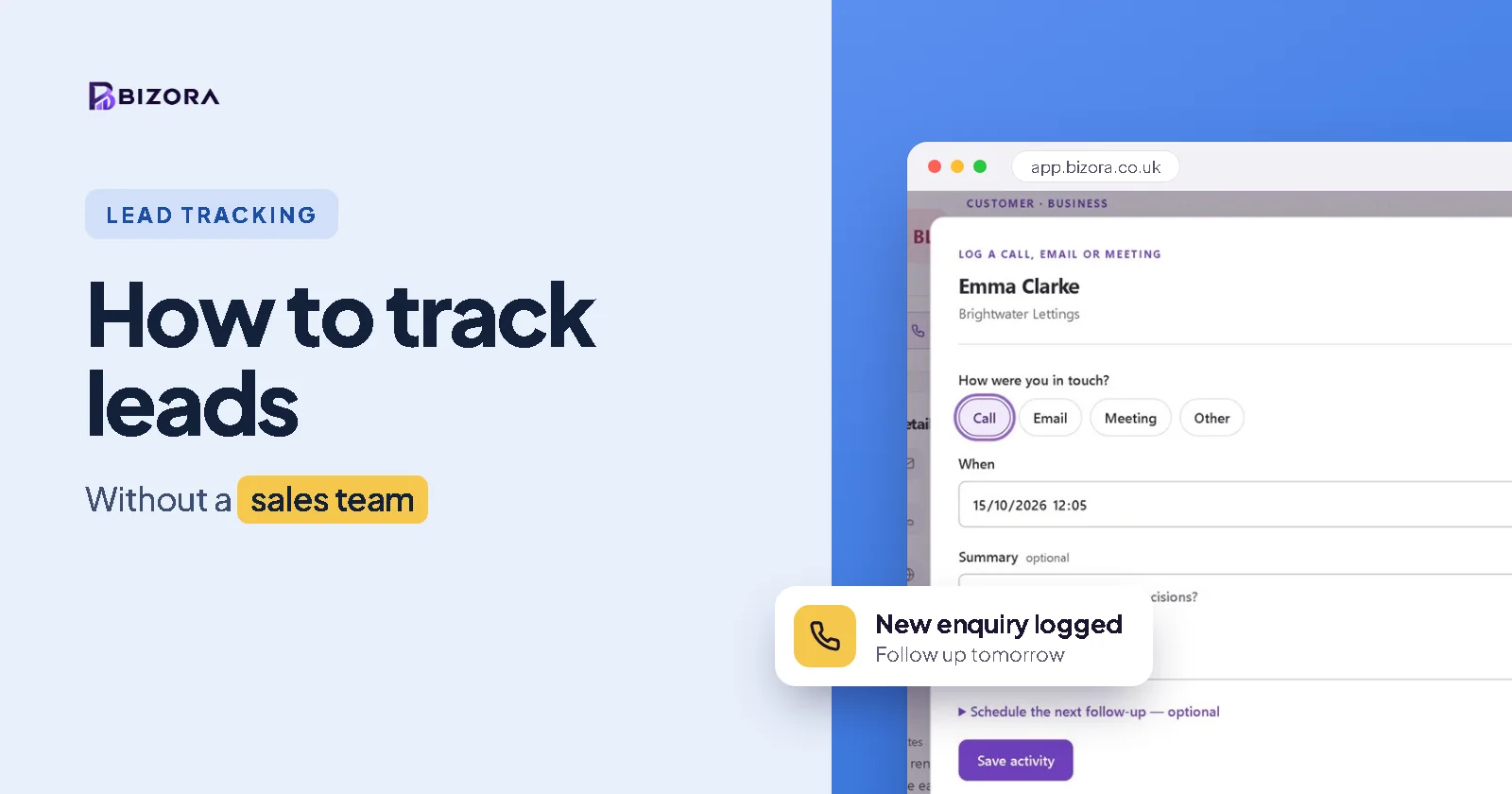
A spreadsheet works for a few leads a week, but it will not remind you to follow up, and it gets messy as soon as two people use it. A simple CRM does the remembering for you. In Bizora, you can add a lead from your phone in under a minute with a follow-up date, see every open deal in a pipeline, and get reminders when quotes need chasing. Read customer spreadsheet vs CRM to compare.
Common questions
What is the best way to track leads?
Put every lead into one list straight away, give each one a next step and a date, move them through a few simple stages and mark them won or lost.
Can I track leads in Excel?
Yes, for a small number. Excel cannot remind you to follow up, though, which is where most leads are lost.
What should I record for each lead?
Their name and contact details, what they need, where the lead came from, when it arrived and the next step with a date.
How quickly should I respond to a lead?
As fast as you can, ideally the same day. The first business to reply often wins the work.